201 W Chestermere Drive | (403) 272-7170 | reception@chestermerecrca.com
RUN THE SCOREBOARD FROM YOUR PHONE!
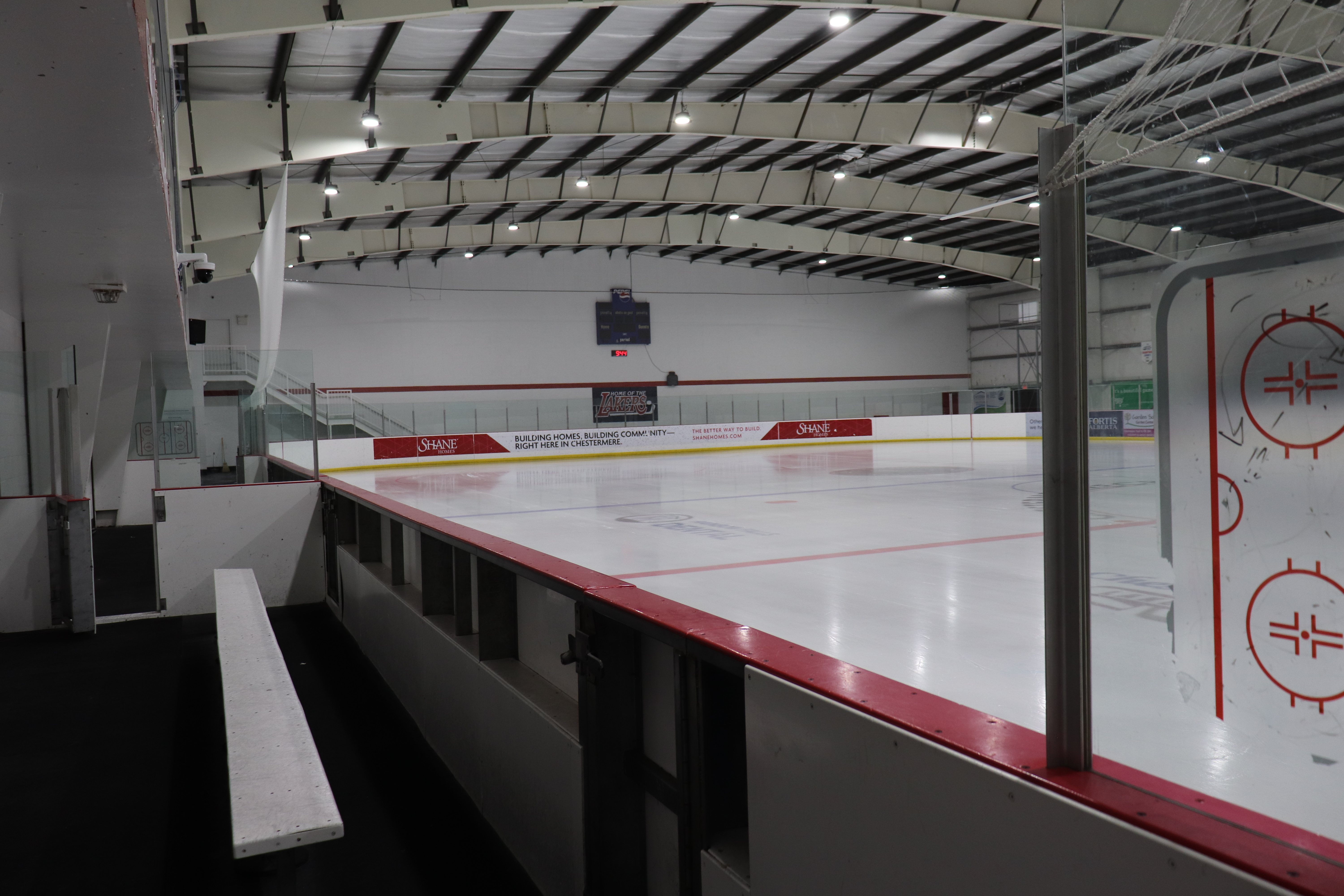
Our arenas are equipped with BlitzSports mobile scoreboard controllers, providing an easy way to operate the scoreboard from your mobile device.
Follow the video below for a step-by-step guide to setting up and using the controller.
- Download the app
- Allow all permissions (BLUETOOTH IS A MUST)
- Select sport (Hockey / Ringette)
- Select ‘Connect scoreboard’
- Select the arena (Blue-Rink or Red-Rink)
- Click the scoreboard fields to edit
- Tap the white square to stop and start the timeclock
- Click the penalty button to add a penalty
- Click the timeout button to start a timeout
AFTER YOUR GAME, PLEASE DISCONNECT FROM THE SCOREBOARD
Note: The display will stay on for 5 minutes after you disconnect.
You can also utilize the old controller instead. Just turn it on!
If you are using the Mobile controller you need to make sure that the old NEVCO controller is turned OFF.